


In this article
- Is the cable replaceable if I lose or damage it?
- Does the enclosure require any drivers or software to operate?
- Can I use this enclosure with an M.2 SSD from a specific brand (e.g., Samsung, Western Digital, Sabrent)?
- Is the enclosure compatible with PlayStation or Xbox consoles?
- Can I use the enclosure for booting an operating system (macOS, Windows, Linux)?
- What materials is the enclosure made from?
- What are the dimensions and weight?
- Is this enclosure bus-powered?
- What are the maximum read and write speeds of the USB4 Slim NVMe Enclosure?
- Can I use a SATA SSD with the USB4 Slim NVMe Enclosure?
- Why does the twist-off door not fit back on the enclosure?
- What are storage capacities?
- Will this be available in other colors?
- Is the USB4 Slim NVMe Enclosure compatible with the Thunderbolt 5 ports on my M4 Mac mini?
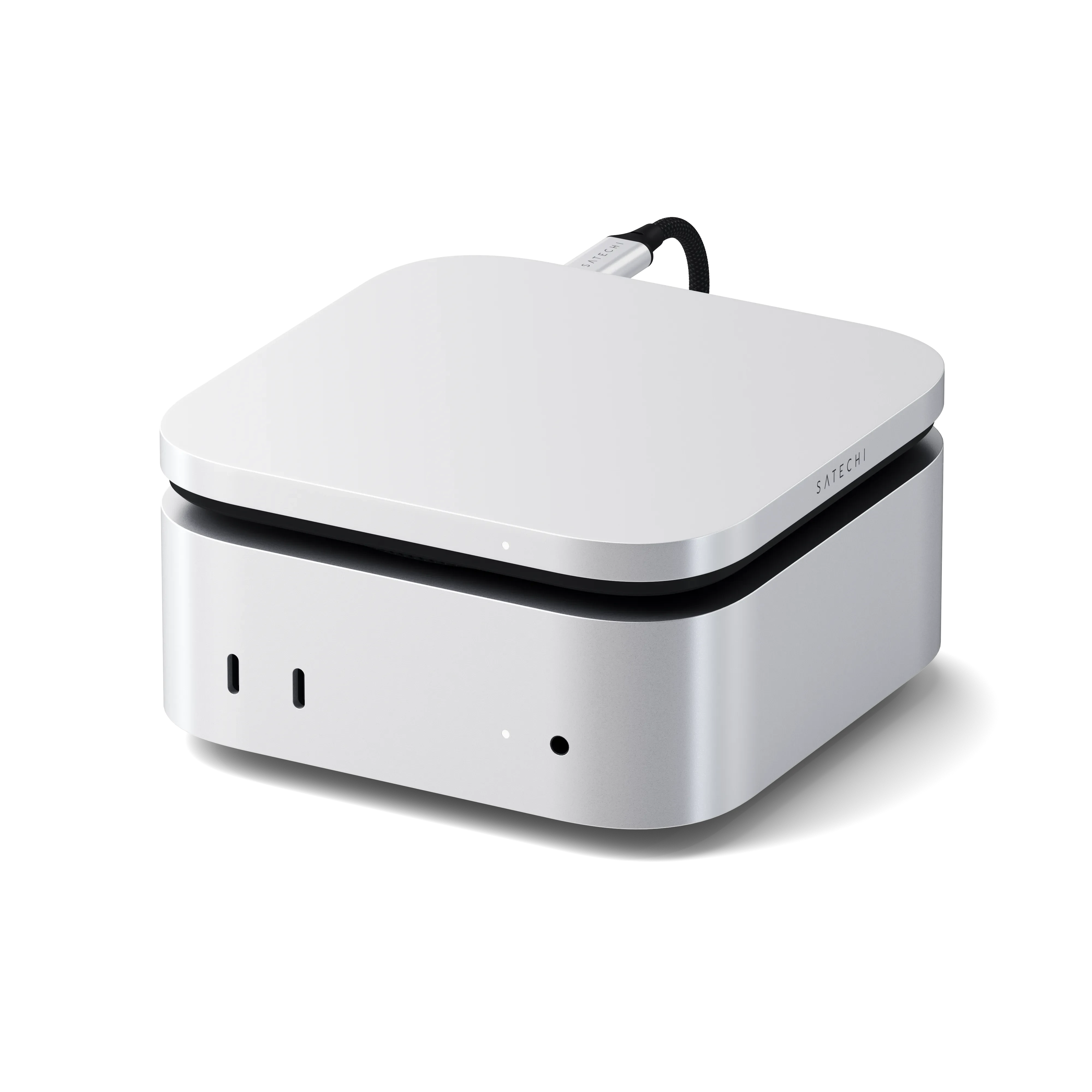
Is the cable replaceable if I lose or damage it?
Please note that items that are lost or stolen are not eligible for warranty coverage. https://satechi.net/refunds-and-returns
Yes, the USB4 Slim NVME Enclosure comes with a detachable USB4 cable and if a replacement is needed, Satechi products are covered by a 2-year limited warranty against defects in materials and workmanship under normal use.
An alternate cable can also be used provided that the cable supports the following protocols: Thunderbolt 3, USB4, or Thunderbolt 4.
Does the enclosure require any drivers or software to operate?
We can confirm that the USB4 Slim NVME Enclosure is a plug-and-play device that requires no drivers or software installation to work.
Note: If the SSD is new and not discovered, it may need to be formatted to be read by the host device.
To reformat using macOS, Navigate to Finder > Applications > Utilities > Disk Utility. Locate the SSD > Erase the SSD > Select the desired file system format > then Click Erase to reformat
Can I use this enclosure with an M.2 SSD from a specific brand (e.g., Samsung, Western Digital, Sabrent)?
The USB4 SLIM NVMe ENCLOSURE is compatible with any brand 2230, 2242, 2260 and 2280 NVMe SSDs. It will not support the older SATA M.2 SSDs.
Is the enclosure compatible with PlayStation or Xbox consoles?
Yes. You can store your PS4 games and access them directly from the USB4 SLIM NVMe ENCLOSURE. You can also store your PS5 games on it but keep in mind that PS5 games cannot be played directly from the drive. You need to transfer the game directly to the PS5’s internal SSD to play it.
Xbox Series X and S consoles support external USB drives for storing and playing Xbox One, Xbox 360, and original Xbox games. However, you cannot play games optimized for Xbox Series X|S directly from these external drives. These optimized games must be stored on the console's internal SSD
Can I use the enclosure for booting an operating system (macOS, Windows, Linux)?
Yes. You can use the USB4 SLIM NVMe ENCLOSURE to boot an operating system, but keep in mind that it will not be as stable compared to the built-in SSD found inside the computer.
What materials is the enclosure made from?
Aluminum housing for durability and thermal management
Plastic twist-off door with ventilation
Soft-touch coating for a premium feel
What are the dimensions and weight?
Size: 127 x 127 x 16 mm (5 x 5 x 0.59 in)
Weight: 197 grams
Is this enclosure bus-powered?
Yes, it is bus-powered and does not require an external power source.
What are the maximum read and write speeds of the USB4 Slim NVMe Enclosure?
The enclosure supports read speeds up to 3840MB/s and write speeds up to 3200MB/s, provided it's connected to a compatible USB4 or Thunderbolt 5/4 port and paired with a high-performance NVMe SSD.
Can I use a SATA SSD with the USB4 Slim NVMe Enclosure?
No, the enclosure is not compatible with SATA SSDs. It only supports NVMe (PCIe) M.2 SSDs.
Why does the twist-off door not fit back on the enclosure?
The twist-off door needs to be aligned in one orientation in order for it to fit. You may reference the arrow to ensure the there is a correct alignment orientation.
What are storage capacities?
We can confirm that this hub supports up to 8TB of storage with SSD sizes of 2230/2242/2260/2280.
Will this be available in other colors?
Not currently as of yet. We are always open to feedback and input from customers for future iterations. Please let us know what colors or other materials you would like to see.
Is the USB4 Slim NVMe Enclosure compatible with the Thunderbolt 5 ports on my M4 Mac mini?
Yes, we can confirm that the Slim Enclosure supports 40Gbps transfer speeds when connected to a compatible USB-C port. Keep in mind that USB4, Thunderbolt 4, and Thunderbolt 5 ports are required to support these transfer speeds.
Comments
0 comments
Article is closed for comments.