


In this article
- Why Does My Mac Not Support 8K Video Output with This Cable?
- What Is Required in Order to Get 8K Video Output?
- Does This Cable Still Support 4K or 5K?
- How Long Is This HDMI Cable?
- Does This Cable Support Audio Output?
- macOS:
- Is This Cable Offered in a Longer or Shorter Length?
- Can I Use This Cable with Your Type-C to HDMI Adapter?
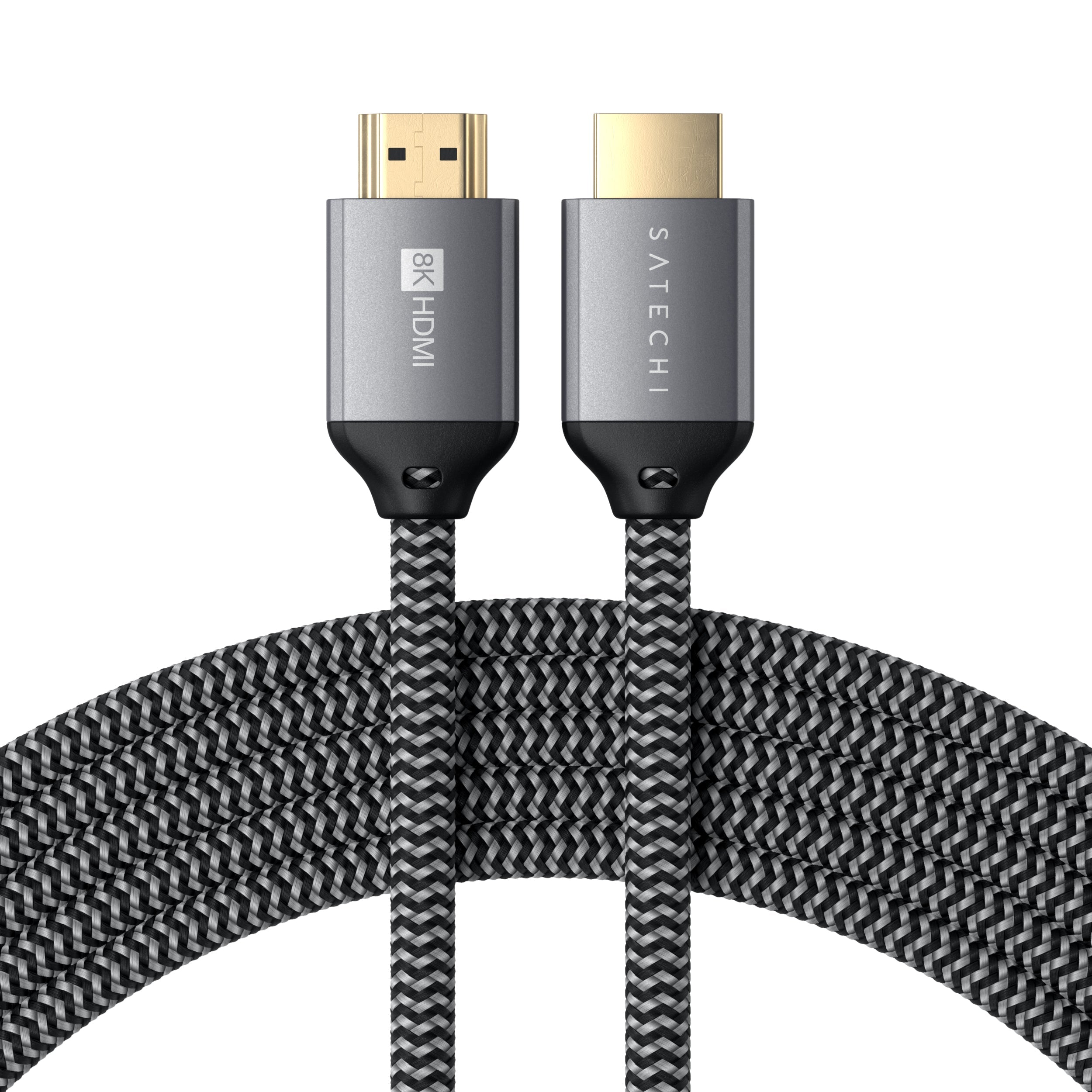
Why Does My Mac Not Support 8K Video Output with This Cable?
When using this cable with macOS, video output is limited to 4K at 60Hz. This is due to Apple’s design constraints, Macs support higher resolutions such as 5K or 6K only through Thunderbolt connections, not through HDMI.
As a result, although the cable is rated to handle up to 8K resolution, macOS will restrict HDMI outputs to a maximum of 4K at 60Hz, regardless of the cable’s capabilities.
What Is Required in Order to Get 8K Video Output?
To achieve 8K video output using the 8K Ultra High Speed HDMI Cable, you must ensure the following:
One end of the cable must be connected to a host device with an HDMI 2.1 port that explicitly supports 8K output.
The other end must connect directly to an 8K-capable monitor or TV.
If either the host device or the monitor does not support 8K resolution, the output will default to the highest resolution supported by both.
Does This Cable Still Support 4K or 5K?
Yes, the cable is fully backward compatible and supports various lower resolutions, including:
5K
4K
1440P
1080P
Note: The maximum refresh rate is 60Hz, even if your display or host device supports higher rates (e.g., 120Hz or 144Hz). For macOS devices such as the MacBook Pro or iPad Pro, the output is capped at 4K at 60Hz.
How Long Is This HDMI Cable?
The 8K Ultra High Speed HDMI Cable is approximately:
2 meters (6.5 feet) in length
Does This Cable Support Audio Output?
Yes, the cable supports audio output, and setup instructions vary by operating system.
Windows:
Right-click the volume control icon in the taskbar.
Click Playback Devices.
Under the Playback tab, select Digital Output Device (HDMI).
Click Set Default, then click OK.
macOS:
Go to the Apple menu > System Settings > Sound.
Under the Output pane, select your HDMI device.
Additional macOS notes:
If connecting through a Mini DisplayPort adapter, confirm that your Mac supports audio over Mini DisplayPort.
For Mac mini users, unplug any device from the Audio-Out port when using HDMI.
Is This Cable Offered in a Longer or Shorter Length?
No, the 8K Ultra High Speed HDMI Cable is available only in a single length: 2 meters (6.5 feet). It is not offered in longer or shorter variants.
Can I Use This Cable with Your Type-C to HDMI Adapter?
Yes, the cable is compatible with Satechi’s Type-C to HDMI adapter.
Important Note: When using it with this adapter, the maximum resolution and refresh rate will be limited to 4K at 60Hz, regardless of the display’s capabilities.
Comments
0 comments
Article is closed for comments.