


In this article
- What Display Resolutions and Refresh Rates Does the USB-C to HDMI 2.1 8K Cable Support?
- What Are the Dimensions of the USB-C to HDMI 2.1 8K Cable?
- What Is the HDR Support/Specs and HDCP Version?
- Is the USB-C to HDMI 2.1 8K Cable Bi-Directional?
- Can I Use the USB-C to HDMI 2.1 8K Cable with the Thunderbolt 4 Dock?
- Why Does My Monitor Flicker When Using a DisplayPort Adapter?
- Is the Cable Compatible with the Surface Studio Laptop?
- Is the Cable Compatible with iPad Pro When Using a Case?
- Is the Cable Compatible with the iPhone 15 Pro?
- How Long is the Cable?
- Can I Use HDMI 2.0 on a 2.1 Port or Vice Versa?
- Does the Cable Support Higher Refresh Rates on a 4K Monitor or TV?
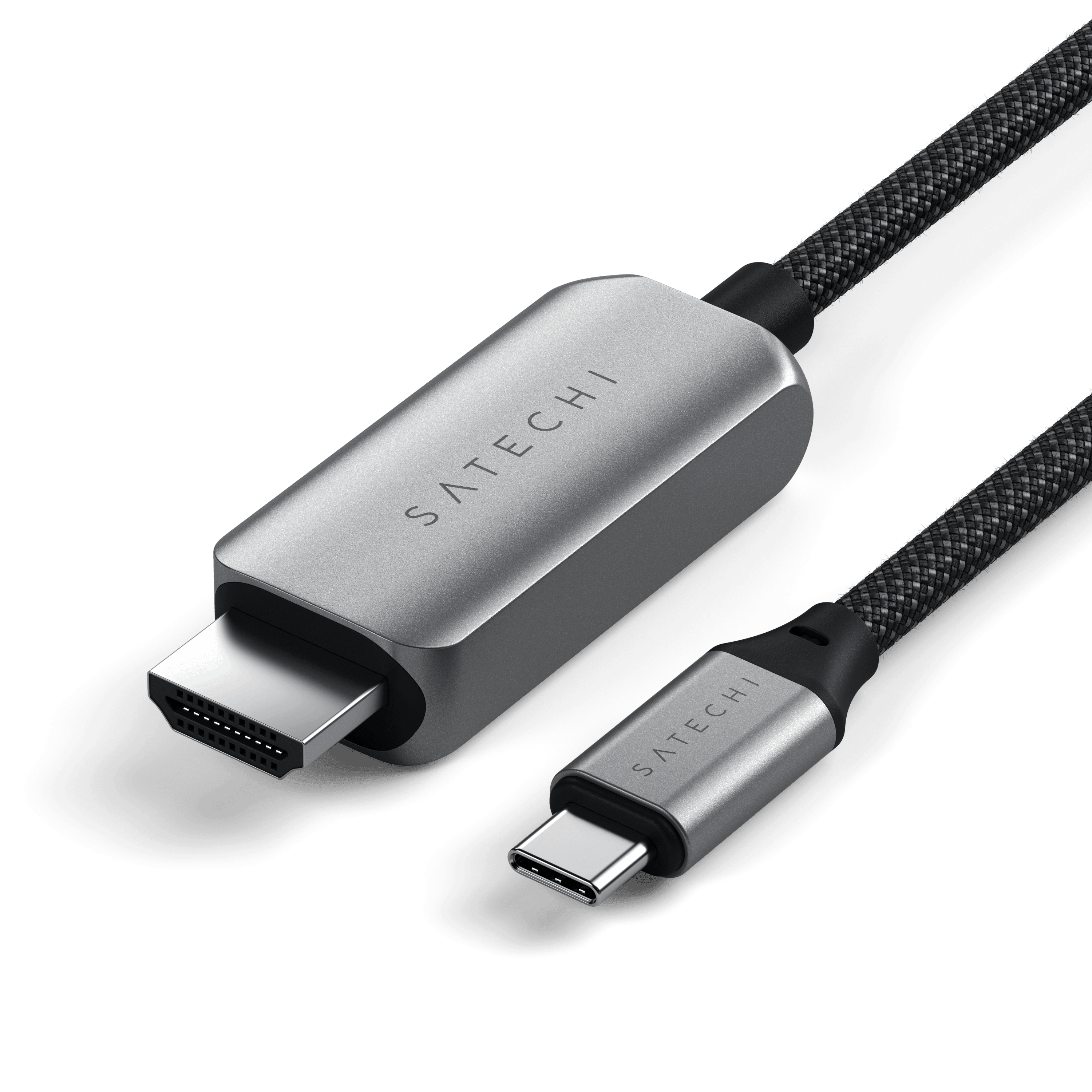
What Display Resolutions and Refresh Rates Does the USB-C to HDMI 2.1 8K Cable Support?
The USB-C to HDMI 2.1 8K Cable supports a wide range of resolutions and refresh rates, including:
8K at 60Hz
4K at 60Hz
4K at 120Hz
2K at 240Hz
1080P at 500Hz
On Mac devices, it supports up to 4K at 60Hz. Resolution support may vary depending on the host device and display compatibility.
What Are the Dimensions of the USB-C to HDMI 2.1 8K Cable?
Length: 63.77 mm
Width: 28.09 mm
Height: 12.95 mm
Weight: 40g
Cable Length: 7.63 in (193.68 mm)
What Is the HDR Support/Specs and HDCP Version?
The cable supports:
Dynamic HDR10+
HDCP 1.4 and HDCP 2.3 specifications
This ensures compatibility with modern content protection standards and high dynamic range visuals.
Is the USB-C to HDMI 2.1 8K Cable Bi-Directional?
No, this cable is not bi-directional. USB-C > Host Device or Adapter > HDMI Monitor
Can I Use the USB-C to HDMI 2.1 8K Cable with the Thunderbolt 4 Dock?
Yes, the cable can be used with one of the Thunderbolt 4 ports on the Thunderbolt 4 Dock.
Maximum supported resolution in this setup: 4K at 60Hz
Recommended setup: USB-C (Host Device or Adapter) > HDMI Monitor
Why Does My Monitor Flicker When Using a DisplayPort Adapter?
The USB-C to HDMI 2.1 8K Cable is not optimized for DisplayPort conversion. Due to chipset programming, it is highly recommended to use a direct HDMI to HDMI connection. Conversion cables or adapters (such as HDMI to DisplayPort) may not be compatible and could result in flickering or signal issues.
Is the Cable Compatible with the Surface Studio Laptop?
Yes, the cable is compatible with the Surface Studio Laptop.
For optimal use with Windows devices, the USB-C port must support one of the following protocols:
USB 3.1 Gen 2
USB 3.2 Gen 2 / Gen 2x1 / Gen 2x2
Thunderbolt 3
USB4
Thunderbolt 4
Is the Cable Compatible with iPad Pro When Using a Case?
The USB-C to HDMI 2.1 8K Cable is compatible with the iPad Pro, but case compatibility may vary.
Because the cable needs a direct connection to the host device, some cases may block proper insertion and should be removed if needed.
Is the Cable Compatible with the iPhone 15 Pro?
Yes, the cable is compatible with the iPhone 15 Pro and Pro Max.
It supports up to 4K at 60Hz output to a compatible external monitor.
How Long is the Cable?
The cable is 7.63 inches (193.68 mm) in length.
Can I Use HDMI 2.0 on a 2.1 Port or Vice Versa?
Yes, the USB-C to HDMI 2.1 8K Cable is backward compatible.
HDMI 2.0: Supports up to 4K at 60Hz
HDMI 2.1: Supports up to 4K at 120Hz or 8K at 60Hz
Older HDMI ports and devices will function with the cable, but at their maximum supported specs.
Does the Cable Support Higher Refresh Rates on a 4K Monitor or TV?
Yes, the cable supports up to 8K at 60Hz and 4K at 120Hz, assuming the TV or external monitor supports those refresh rates.
Actual performance may vary based on the device and monitor configuration.
Comments
0 comments
Article is closed for comments.