


Frequently Asked Questions
Product Video Overview
(& Multiport MX Adapter: https://satechi.net/products/usb-c-multiport-mx-adapter?queryID=undefined)
For more product videos head to https://www.youtube.com/@satechi
USB4 Multiport Adapter issue with "Ask Every Time" USB/TB4 security setting on a Mac laptop with Apple silicon
Satechi USB/Thunderbolt 4 Security FAQ: "Ask for New Accessories"
Q1: Is setting the USB or Thunderbolt 4 security option to "Ask for new accessories" a security risk?
A1: No, there are no security concerns when setting the option to "Ask for new accessories." This security choice offers users an additional layer of control over their device's connectivity. It consists of four levels, each designed to cater to different user preferences and security needs.
Q2: What are the four levels of the "Ask for new accessories" security option?
A2: The "Ask for new accessories" security option has four levels:
1. **Ask Every Time**: This level prompts for permission every time a new accessory is connected, ensuring the highest level of security but requiring constant user input.
2. **Ask for New Accessories**: With this level, users are prompted to allow new accessories once. Devices that have been allowed are considered safe and won't require further permission. This setting strikes a balance between security and convenience.
3. **Allow Immediately upon Unlocking**: This level allows new accessories to run immediately after unlocking the computer. While convenient, it has a relatively lower security level.
4. **Allow Unconditionally**: Devices are allowed to run without any prompts or conditions. This setting offers the least level of security and is recommended only for advanced users who understand the potential risks.
Q3: Are the "Ask for new accessories" settings available for all MacBooks?
A3: No, the "Ask for new accessories" setting is available only for the M1/M2 series MacBooks. It was introduced with the macOS Ventura 13 system version upgrade. Earlier versions of the macOS system did not include this option. Additionally, the Intel version of MacBooks doesn't have this new accessory setting.
We hope this FAQ clarifies any concerns about the "Ask for new accessories" security option. At Satechi, we prioritize your device's security and functionality, and this feature is designed to provide you with more control over your USB/Thunderbolt 4 connections.
How much power does this device consume in itself?
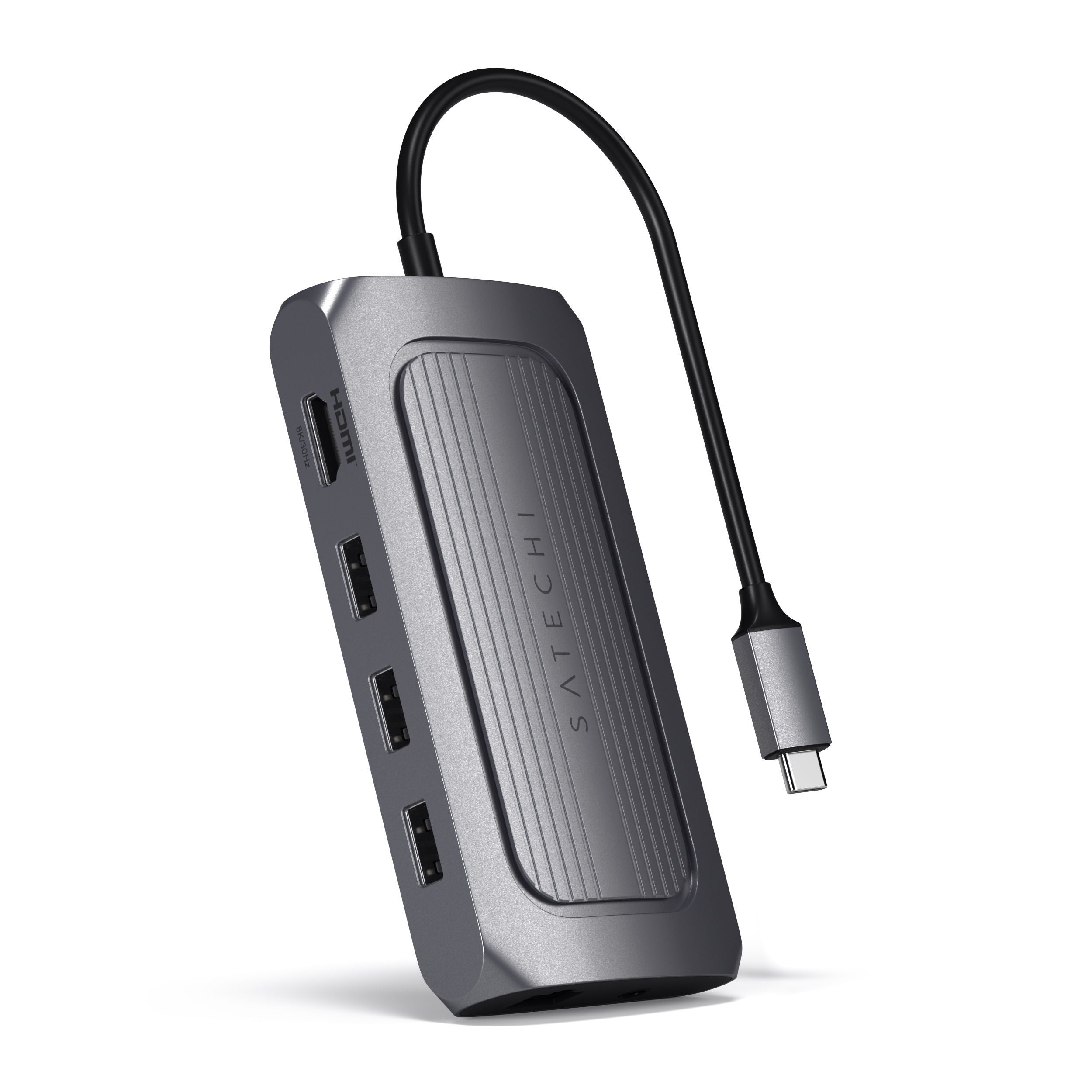
The USB4 Multiport Adapter with 8K HDMI consumes 15W of power.
Is it compatible with the Apple SuperDrive?
Does the Micro/SD card reader on this new product support UHS II speed?
How long is the USB-C cable connector?
Does the 3.5mm Audio port support Earphones with Microphone input?
Yes. It will support audio input and output for wired Earphones with Microphones.
Will the hub support charging my iPad?
Unfortunately not an iPad, it will still charge smaller devices such as bluetooth keyboards or mouse.
The USB-A 3.2 ports are mainly designed for data transfer and the USB-C port is for PD pass through charging your laptop.
Will I be able to run a 1920x1080 monitor at 144Hz or higher using HDMI with the USB4 Multiport adapter with 8K HDMI?
Related Articles
- Quick Start Guide - USB4 Multiport Adapter with 8K HDMI
- USB4 Multiport Adapter with 8K HDMI ; Setup & Troubleshooting Guide
- Technical Specifications - USB4 Multiport Adapter with 8K HDMI
- Device Compatibility - USB4 Multiport Adapter with 8K HDMI | ST-U4MA3M
- Safety and Compliance Documentation - USB4 Multiport Adapter with 8K HDMI
Comments
0 comments
Article is closed for comments.